Browser video editor
Edit Video Directly in Your Browser, Without Uploading Your Files
A free, private video editor that runs right in Chrome, Edge, or Brave. Your videos never leave your computer: start cutting instantly with zero uploads and no watermarks.
Why we built this
Waiting 20 minutes to upload a video to someone else's server just to trim a few clips makes no sense. IndieCut runs directly on your device, so your footage opens instantly, stays private, and exports without a watermark.
Most “online” editors want your footage first
Tools like Clipchamp, Kapwing, and Veed ask you to upload raw clips before you edit. Free plans often throttle exports or stamp a watermark on the file you waited for.
That model works for the vendor. It is a bad deal if you care about privacy, bandwidth, or finishing a cut tonight.
How IndieCut works differently
Everything happens on your own computer, not on our servers. When you open a video, it loads straight from your hard drive in a second. Even auto-captions run privately on your device, so client footage, family videos, or unreleased drafts are never uploaded anywhere.
No sign-up, no file-size limits, and nothing to install. Want a standalone app later? The exact same editor is free for Mac and Windows.
What you get in the browser
Multitrack timeline
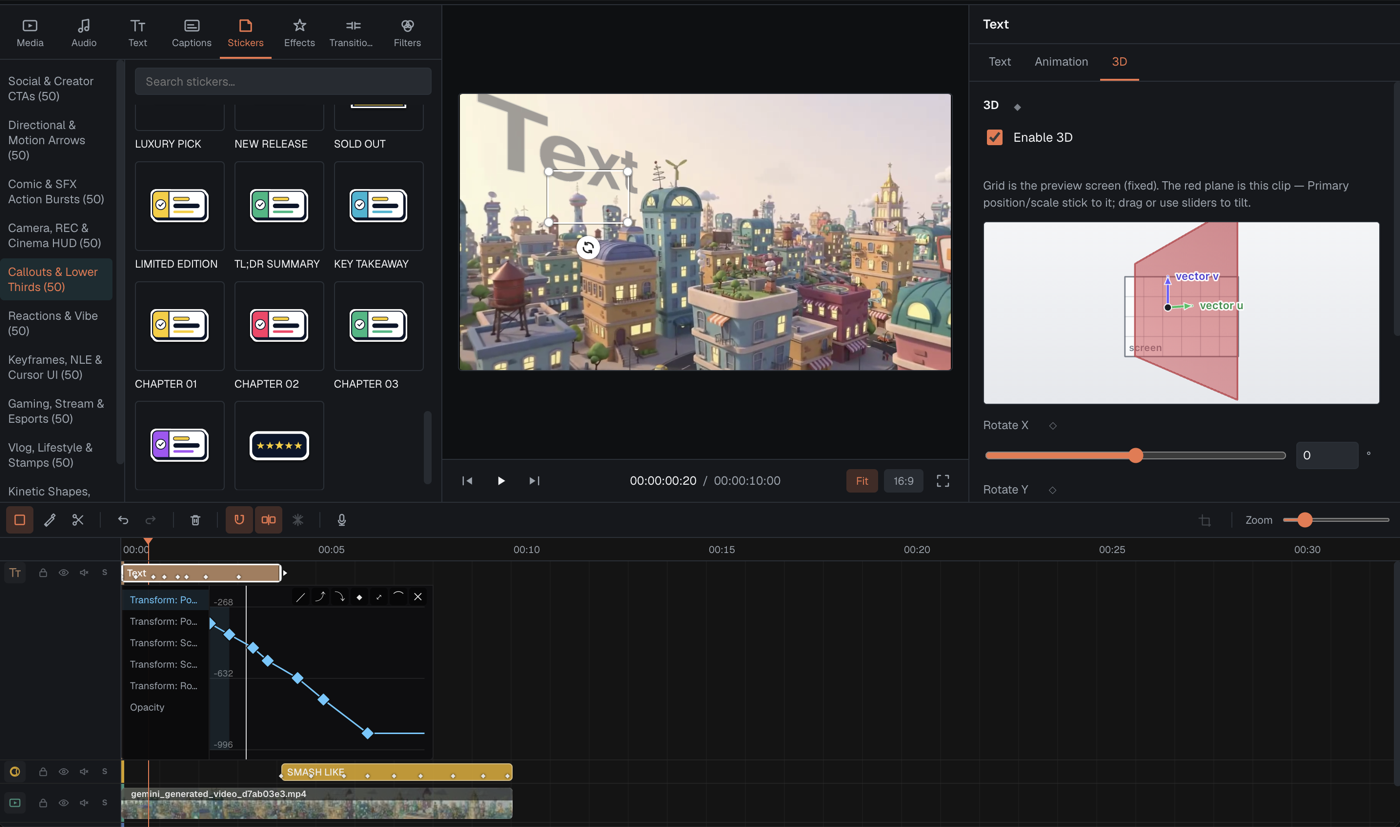
Stack video, audio, text, stickers, captions, and effects cleanly on one timeline.
Easy animations & 3D tilt
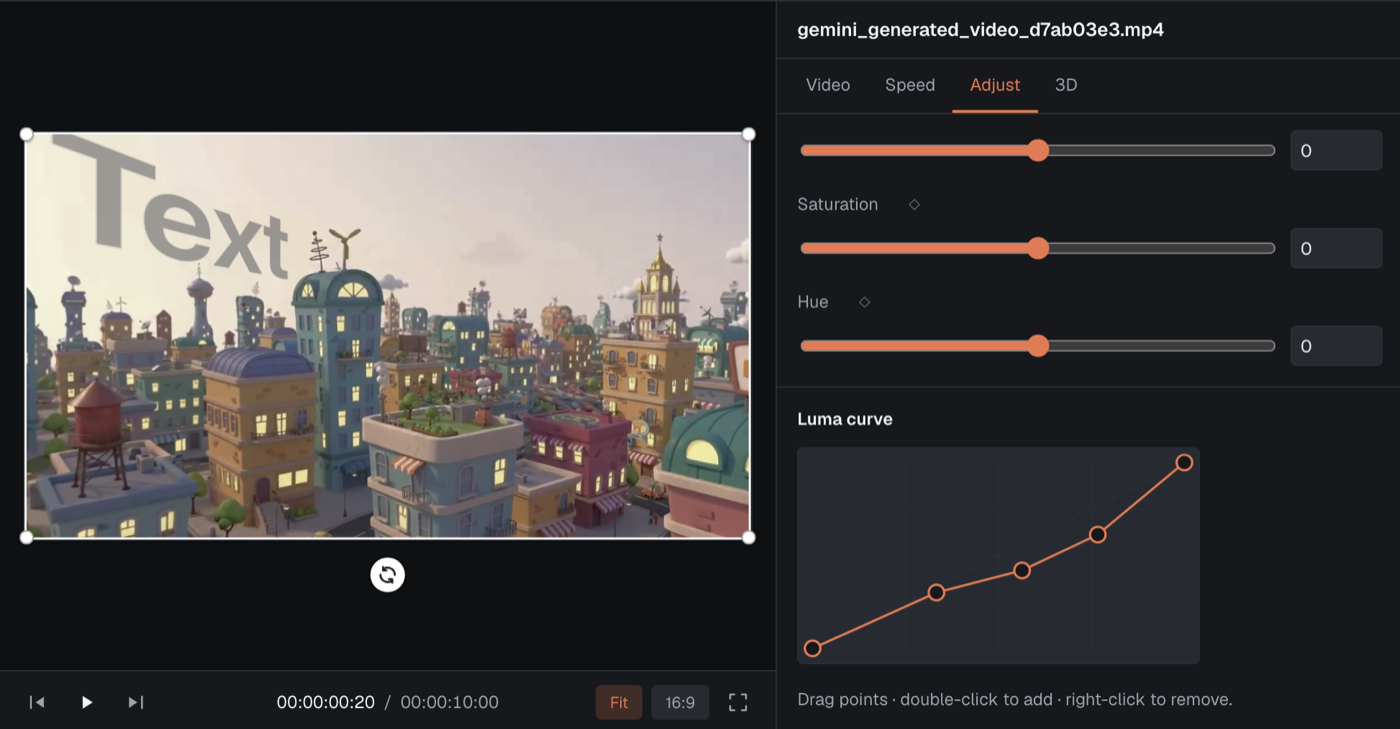
Resize, crop, layer clips, smooth out motion, or tilt text and video in 3D right on the preview.
Private auto-captions
Generate subtitles automatically without uploading your audio to the internet.
Instant, watermark-free export
Save your finished video straight to your computer. No watermark. No Pro unlock.
Heavier projects? Same editor on desktop
Start in the browser. When projects get heavier, grab the free Mac or Windows app anytime. Same editor, installed when you want it.
Straight answers
Are my videos ever uploaded to a server?
No. IndieCut opens files from your computer and keeps editing, captions, and export on your device. Your clips are not uploaded to our servers.
Can I edit private client or personal videos safely?
Yes. Client footage, family videos, and unreleased drafts stay on your machine. Auto-captions also run privately on your device.
Which browsers does IndieCut work in?
Use Chrome, Edge, or Brave. Those work best for the web editor.
Is there a file size limit?
There is no cloud upload quota, because files never leave your computer. Very large projects may feel smoother in the free Mac or Windows app.