Private auto-captions
Free Auto-Captions for Your Videos, Without Uploading a Single File
Add accurate subtitles to your clips in seconds right inside your browser or desktop app. Zero watermarks, no minute limits, and your audio never leaves your computer.
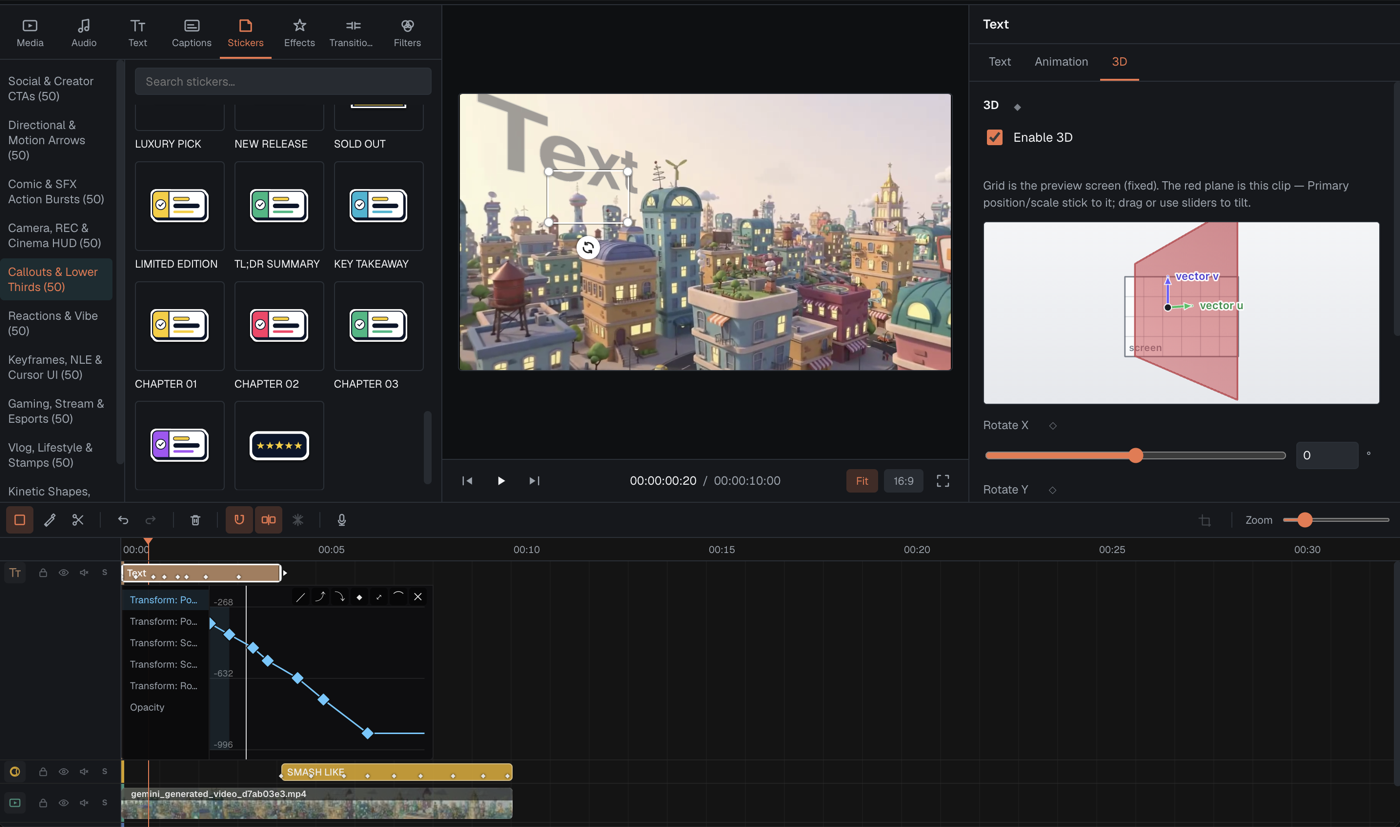
Why most "free" caption tools feel like a trap
Most online subtitle generators, and even CapCut's free plan, give you just enough free captions to hook you, then lock exports behind a monthly subscription or stamp a logo across your finished video. Worse, every one of them forces you to upload your entire video to their servers just to read the audio.
IndieCut runs speech recognition directly on your own computer. That means:
- Zero cloud uploads: Client interviews, internal company demos, and personal videos stay 100% private on your drive.
- No monthly minute caps: Caption a 30-second Short or a 20-minute tutorial without watching a credit counter run out.
- No watermarks on export: Save a clean video file ready for YouTube, TikTok, Reels, or LinkedIn.
How it works in 3 steps
- Drop in your video Open your clip straight from your hard drive. No waiting for an upload bar.
- Generate captions privately Click to transcribe speech right on your device. Fix any word or adjust timing directly on the timeline.
- Style and save Pick a clean text preset, adjust position or size, and export your finished video with zero watermarks.
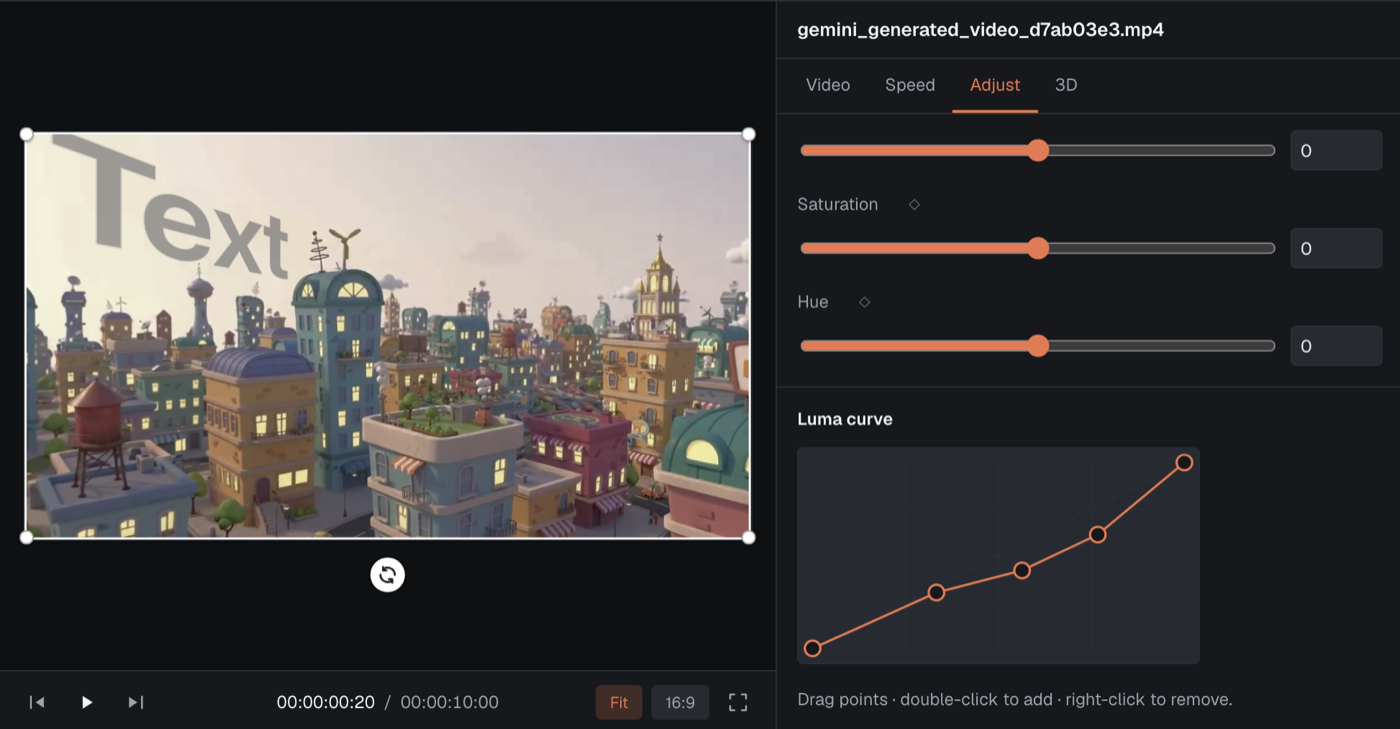
Built into a full editor (not just a one-trick tool)
Once your captions are on the timeline, you don't have to export and move to another app. Trim awkward pauses, drop in stickers or sound effects, tweak colors, and export everything in one place.
Straight answers
Are my videos or voice recordings uploaded to a server for captions?
No. Speech recognition runs privately on your own computer. Nothing is sent to our servers or a third-party cloud.
Is there a limit on how many videos I can caption for free?
No. Because your own computer does the work instead of our servers, we don't have to charge you per minute or lock captions behind a Pro plan.
Can I edit words if the auto-caption gets a name wrong?
Yes. Every caption sits on your timeline so you can fix spelling, tweak timing, or change the font style before exporting.
Will IndieCut put a watermark on my captioned video?
Never. Every export is completely watermark-free, in both the browser editor and the Mac/Windows apps.